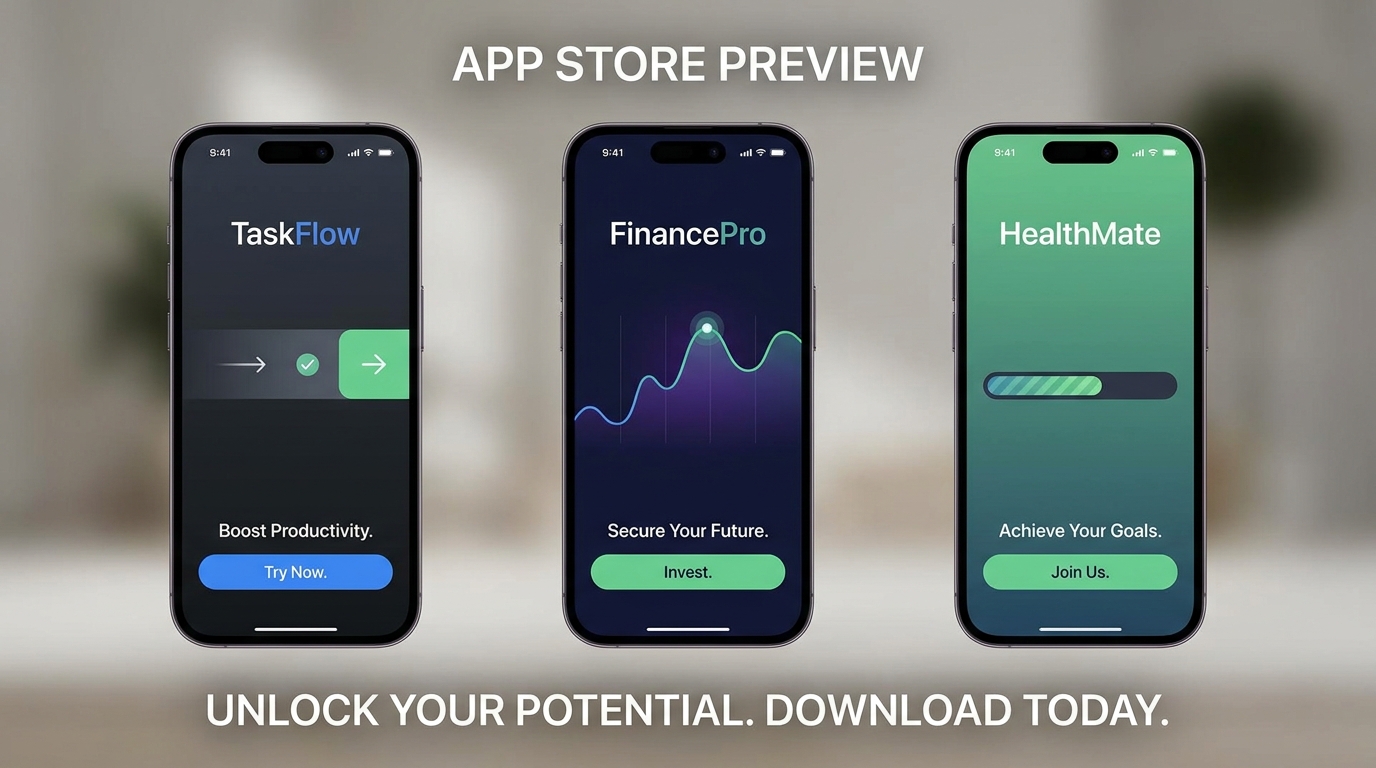
App Install Ad
Paid UA — sell the Install tap
[Attach: app screenshots] Create a 20-second vertical app install ad — open on the pain the app solves, show 2–3 real screens on a phone, end on Install now with the app icon. Never invent star ratings or download counts
Opens the Wavemaker composer with this style pre-selected.
App Install Ad is an AI ads & marketing video style — paid UA — sell the Install tap. Wavemaker generates the entire video for you — script, visuals, voiceover, and music — and assembles a finished, ready-to-share piece in minutes.
Pick App Install Ad, describe your idea or paste a URL, and Wavemaker applies the style's tuned recipe (its look, pacing, framing, voice, and structure) to your content. You can attach your own image to feature your real product, person, or brand. Refine any scene in plain language, then export in the aspect ratio you need (vertical, square, or widescreen).
How to create a app install ad video
-
Describe your video
Paste a link or type a one-line brief. Wavemaker reads it, pulls your brand, and plans the scenes, script, and pacing for you.
-
Pick a style
Choose one of the styles on this page. Each is a tuned recipe — look, cut rhythm, voice, and structure — applied automatically to your brief.
-
Generate and refine
Wavemaker writes the script, generates every shot and voiceover, and assembles a finished video. Tweak any scene in chat or on the canvas, then export.
App Install Ad — FAQs
What is the App Install Ad video style?
App Install Ad is a ads & marketing style on Wavemaker — paid UA — sell the Install tap Selecting it steers the whole generation — look, cut rhythm, voice, and scene structure — toward that result, so you get a consistent App Install Ad feel without configuring anything.
How do I make a App Install Ad video?
Open the Wavemaker composer, choose App Install Ad, describe your idea (or paste a link), and Wavemaker writes the script, generates the visuals and voiceover, and assembles the video. Tweak any scene in chat and export.
Can I feature my own product or subject?
Yes — attach an image and App Install Ad uses your real product, person, or brand as a reference so it stays consistent across every scene instead of inventing a lookalike.
What aspect ratios can I export?
Vertical (9:16) for TikTok, Reels, and Shorts, square (1:1), and widescreen (16:9) for YouTube and the web. Some styles default to the ratio that performs best for their format.
Can I make an ad from just my website?
Yes. Paste your product or store URL and Wavemaker scrapes your brand, products, and copy, then builds the ad around them — no manual asset upload required.
Will it use my real product images?
When you provide a URL or upload photos, Wavemaker uses your real product as a reference so it stays consistent across every scene instead of inventing a lookalike.
More Ads & Marketing styles
-
 Packshot Studio-perfect product hero shot
 -
 Macroshot Product Extreme close-up reveals unseen texture
 -
 Giant Product Oversized product dominates the real world
 -
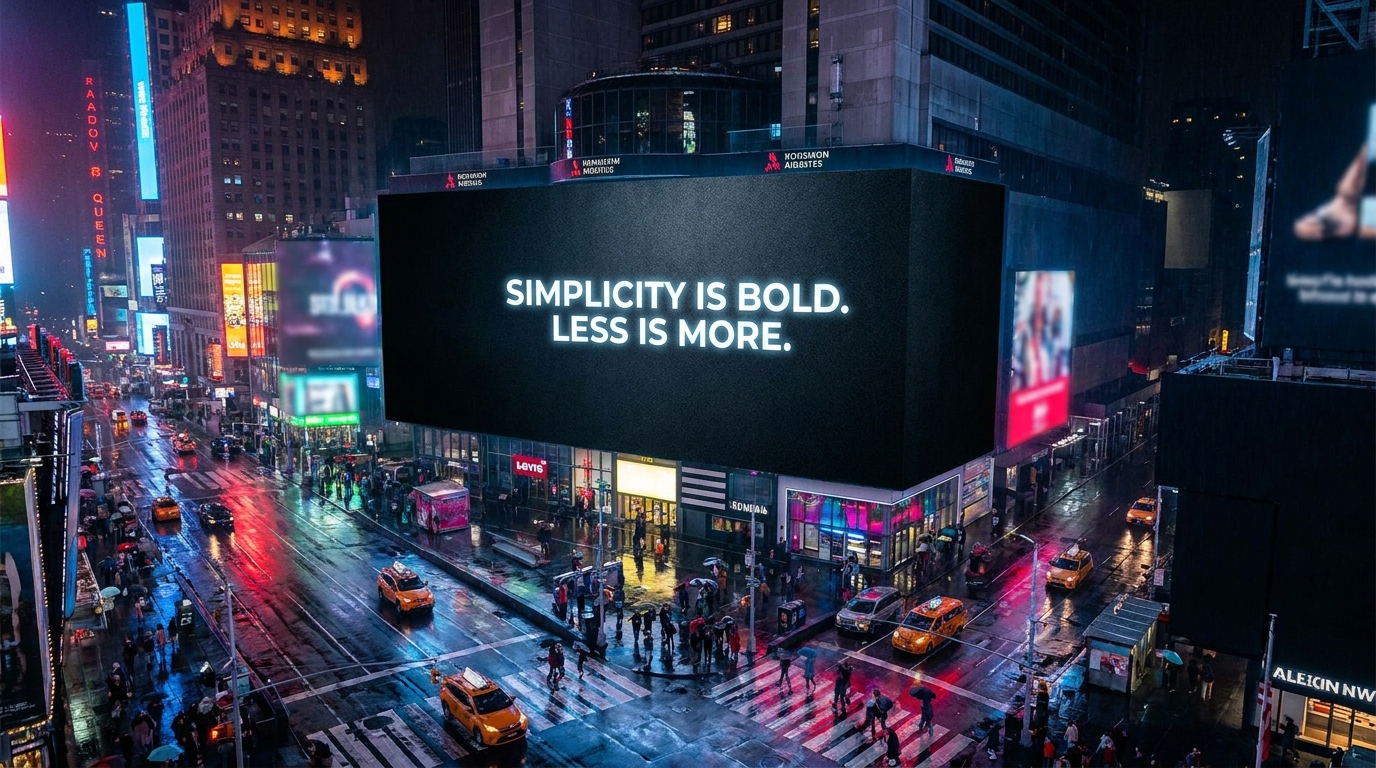 Billboard Ad Animated billboard in a city nightscape
 -
 Signboard Chalk lettering appears stroke by stroke
 -
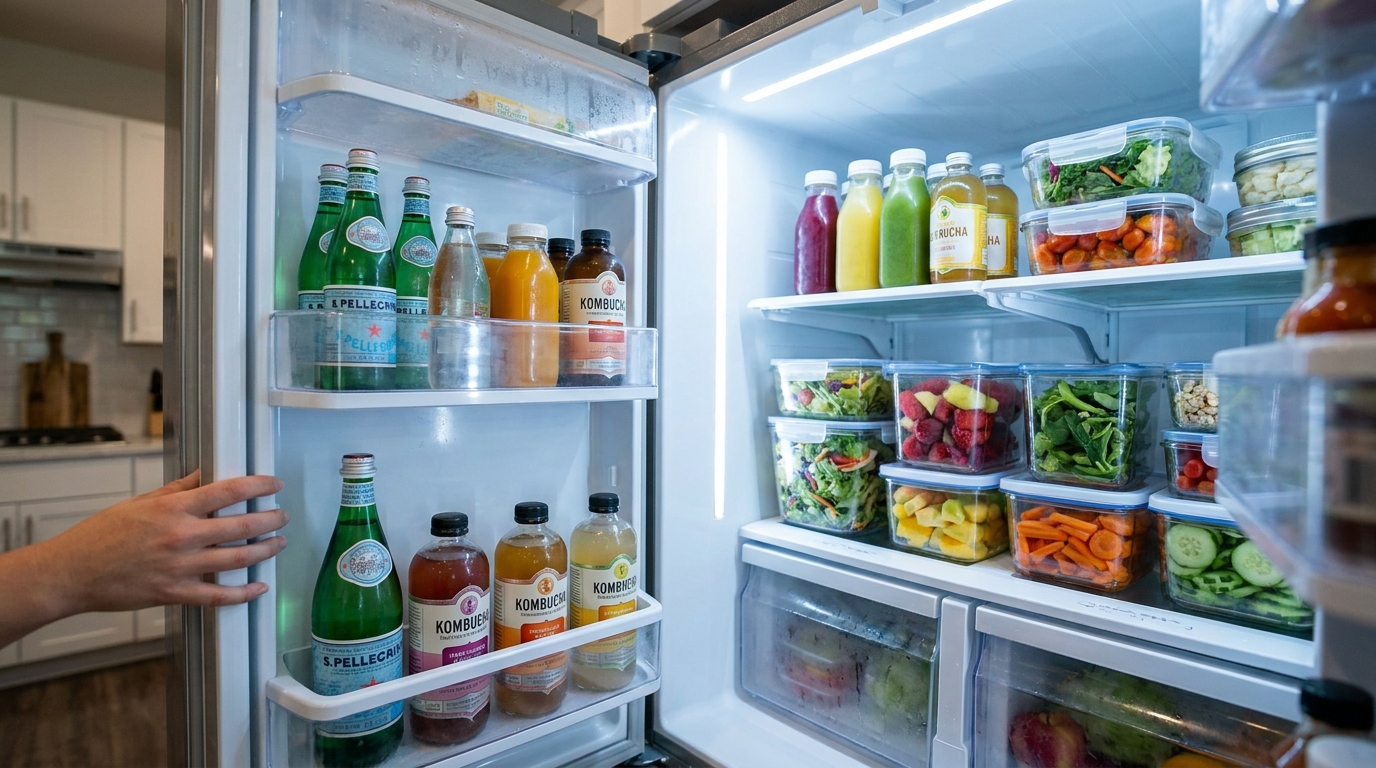 Fridge Ad Open the fridge. Find the brand inside.