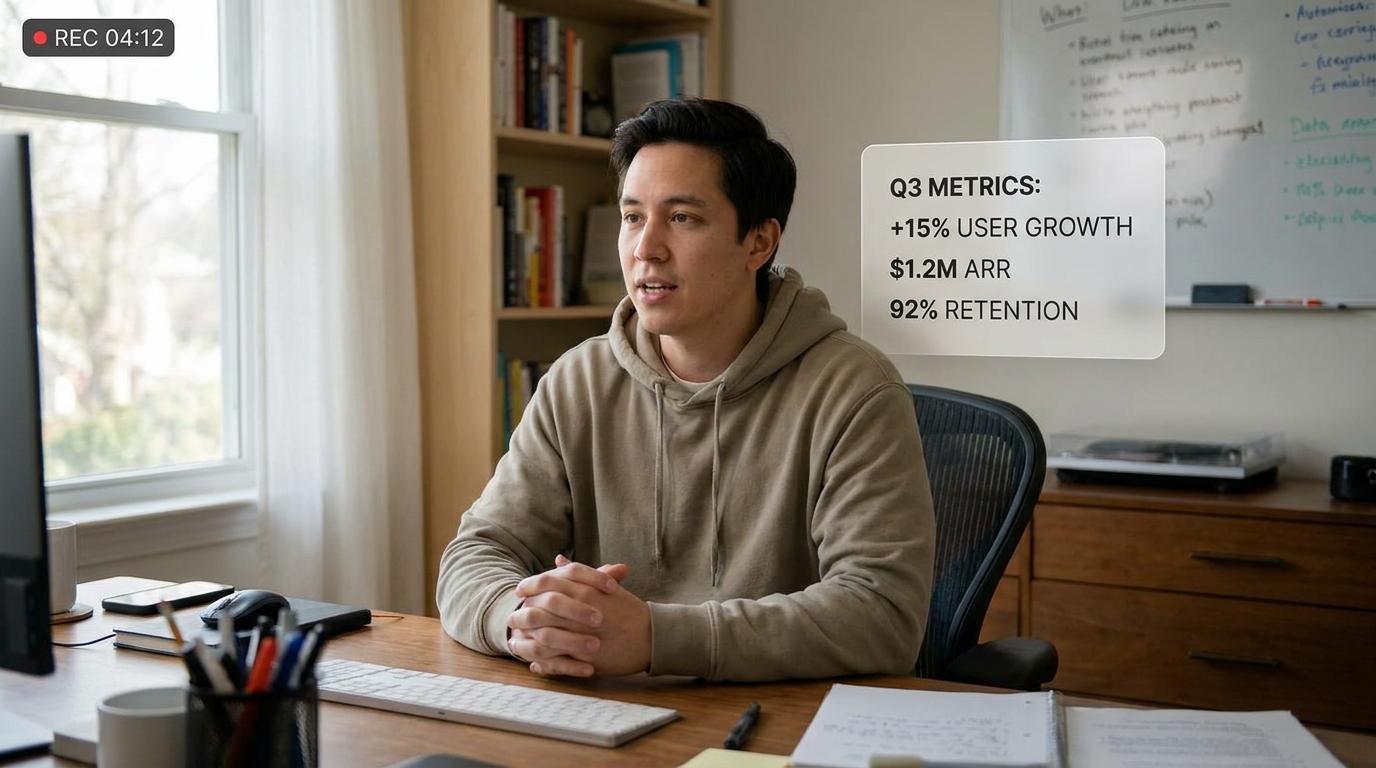
Founder Update
Transparent. Specific. Actually worth reading.
Create a quarterly founder update video — honest characterization of the quarter in one sentence, one bright spot with a real metric, one struggle and what we're doing about it, the next quarter's single priority, and what kind of support or introductions we're looking for
Opens the Wavemaker composer with this style pre-selected.
Founder Update is an AI business & corporate video style — transparent. Specific. Actually worth reading. Wavemaker generates the entire video for you — script, visuals, voiceover, and music — and assembles a finished, ready-to-share piece in minutes.
Pick Founder Update, describe your idea or paste a URL, and Wavemaker applies the style's tuned recipe (its look, pacing, framing, voice, and structure) to your content. Refine any scene in plain language, then export in the aspect ratio you need (vertical, square, or widescreen).
How to create a founder update video
-
Describe your video
Paste a link or type a one-line brief. Wavemaker reads it, pulls your brand, and plans the scenes, script, and pacing for you.
-
Pick a style
Choose one of the styles on this page. Each is a tuned recipe — look, cut rhythm, voice, and structure — applied automatically to your brief.
-
Generate and refine
Wavemaker writes the script, generates every shot and voiceover, and assembles a finished video. Tweak any scene in chat or on the canvas, then export.
Founder Update — FAQs
What is the Founder Update video style?
Founder Update is a business & corporate style on Wavemaker — transparent. Specific. Actually worth reading. Selecting it steers the whole generation — look, cut rhythm, voice, and scene structure — toward that result, so you get a consistent Founder Update feel without configuring anything.
How do I make a Founder Update video?
Open the Wavemaker composer, choose Founder Update, describe your idea (or paste a link), and Wavemaker writes the script, generates the visuals and voiceover, and assembles the video. Tweak any scene in chat and export.
What aspect ratios can I export?
Vertical (9:16) for TikTok, Reels, and Shorts, square (1:1), and widescreen (16:9) for YouTube and the web. Some styles default to the ratio that performs best for their format.
Will it stay on-brand?
Wavemaker pulls your logo, colors, and fonts from your site (or your saved brand kit) and applies them consistently across the video.
Good for recruiting or internal comms?
Yes — these styles cover company overviews, hiring videos, all-hands announcements, and product updates.
Can I keep it simple and clean?
These styles lean restrained by design — clear typography, minimal motion, and a professional narrator.
More Business & Corporate styles
-
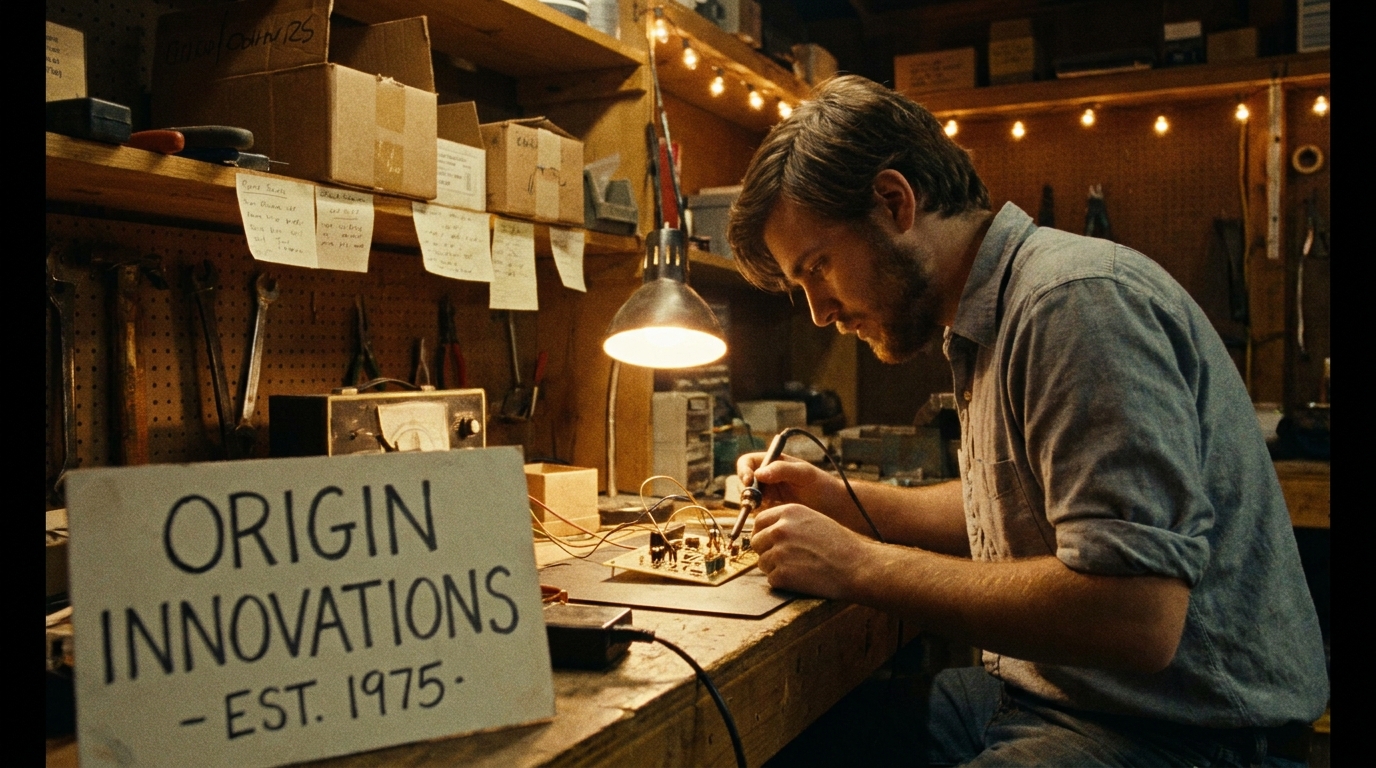 Brand Story Where it started and why it matters
 -
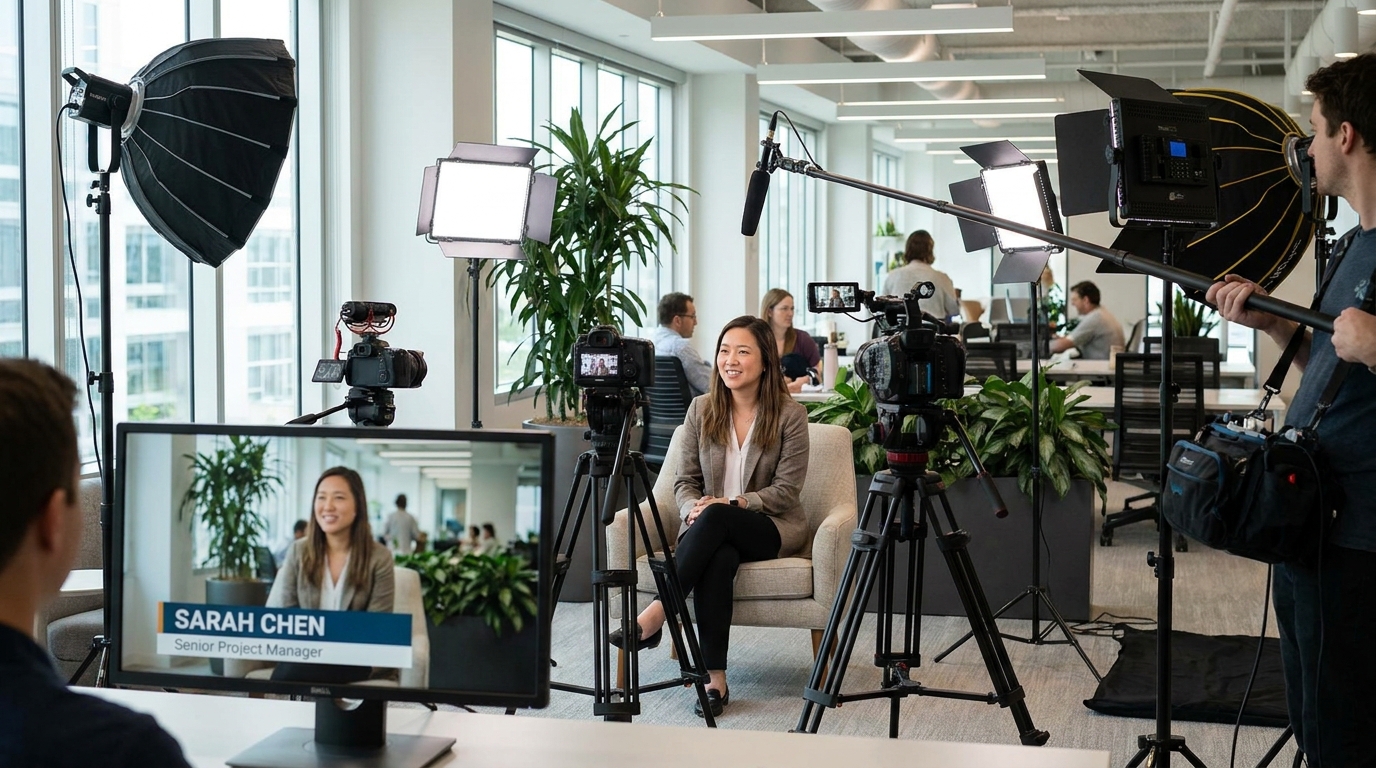 Employee Spotlight The person behind the work — real and compelling
 -
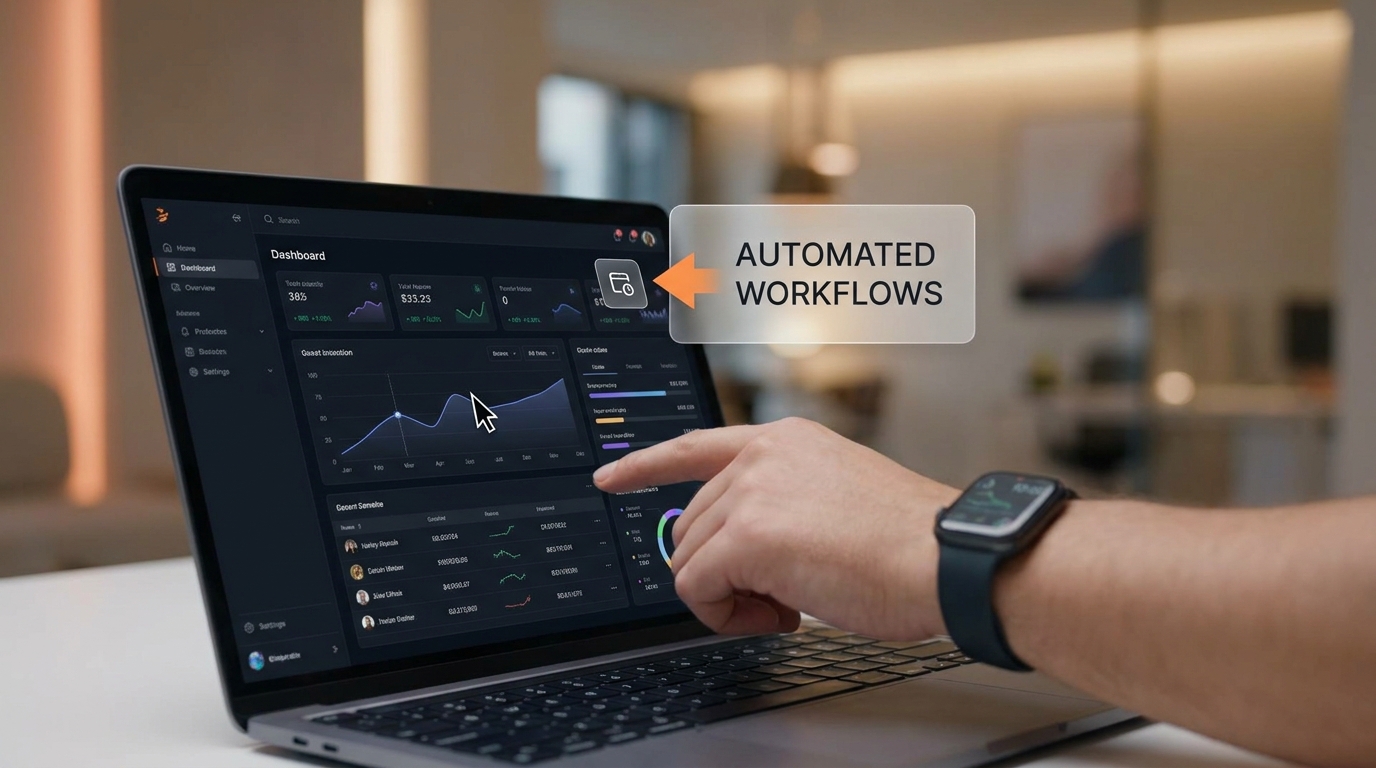 Product Demo Feature walkthrough that converts
 -
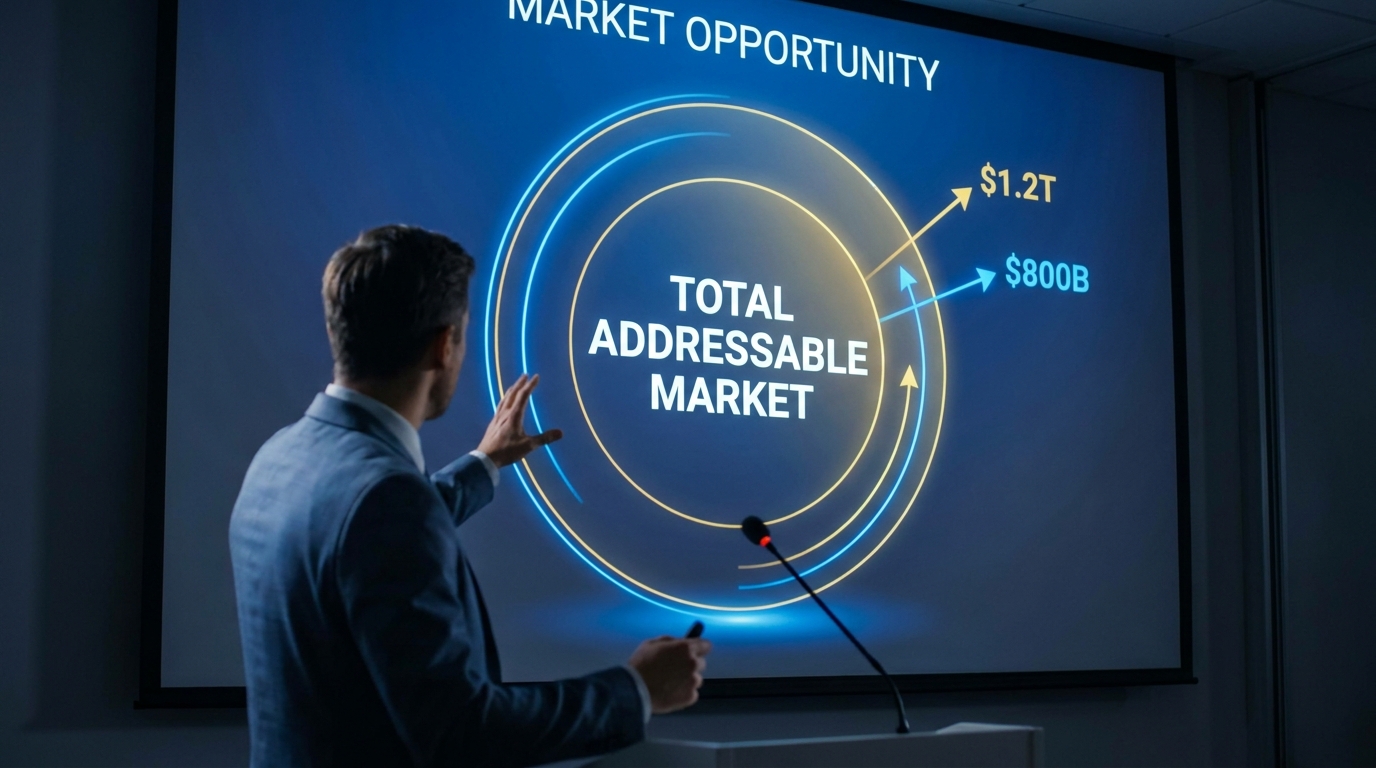 Investor Pitch Market opportunity told with conviction
 -
 Company Culture What it actually feels like to work here
 -
 Case Study Real results. Real client. Real numbers.